
Starter
10 CreditsGet started reselling with a simple credit package.
✓Customer Management
✓Subscription Management
✓24/7 Support
✓Custom DNS
✓Daily Updates

Professional OTT tools for ambitious resellers.
Manage customers, subscriptions, credits, renewals and day-to-day reseller operations from one professional platform built for speed, control and sustainable growth.


Why Lion OTT TV
Lion OTT TV gives resellers more than access to a panel.
You work with a professional team that understands IPTV, reseller operations, customer management and panel workflows from real day-to-day experience.
We stay available to guide you, follow your progress, help solve issues quickly and find practical solutions that keep your business moving with fewer interruptions.
Our support continues after purchase, with direct assistance whenever you need help managing customers, credits, access or daily operations.
The goal is simple: give every reseller a reliable team behind the panel, so you can work with more confidence, protect your customer relationships and grow your business with long-term support from people who know this field.
Lion OTT TV Panel
Manage subscriptions, credits, packages, customer access and daily account activity from one clear panel designed to make routine work faster, simpler and easier to control.
Panel Overview
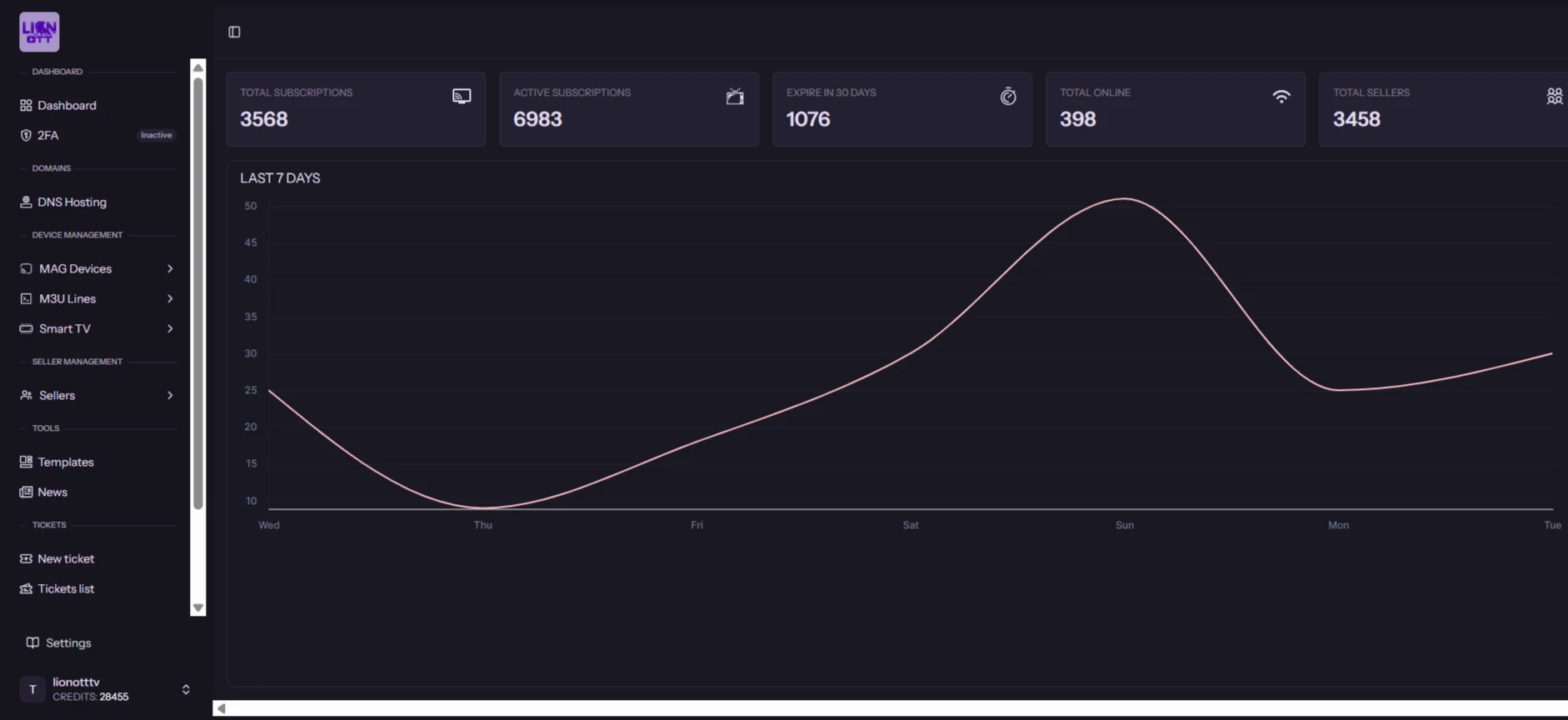
The panel gives you a clear view of active subscriptions, upcoming expirations, online connections, seller activity and the tools used most during daily account management.
Its simple layout helps you move quickly between customer creation, renewals, credit control, package selection and account monitoring without unnecessary menus or complicated steps.
Step 01 · Create Customer Access
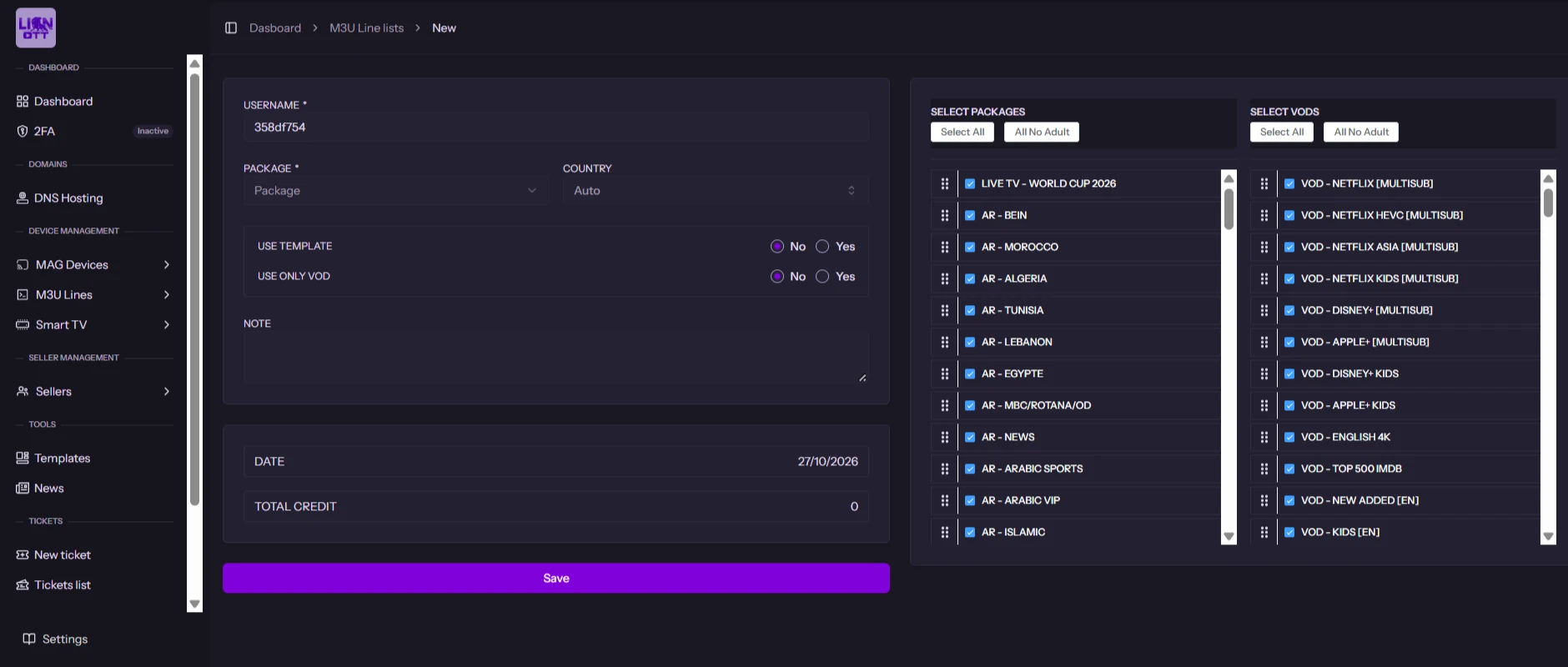
The line creation flow is kept simple: start a new line, choose the subscription package and duration, set the customer options, select the required IPTV and VOD content, then review the credit cost and save the account.
01 · Start a new line
Open the line creation area and begin a new customer subscription.
02 · Choose package & duration
Select the subscription period and package required for the customer.
03 · Set customer options
Choose the country and apply a saved template when you want to reuse an existing setup.
04 · Select IPTV & VOD
Assign the channel packages and VOD groups the customer should receive.
05 · Review credits & save
Check the total credit cost, confirm the configuration and save the new M3U line.
Step 02 · Add a Sub-Seller
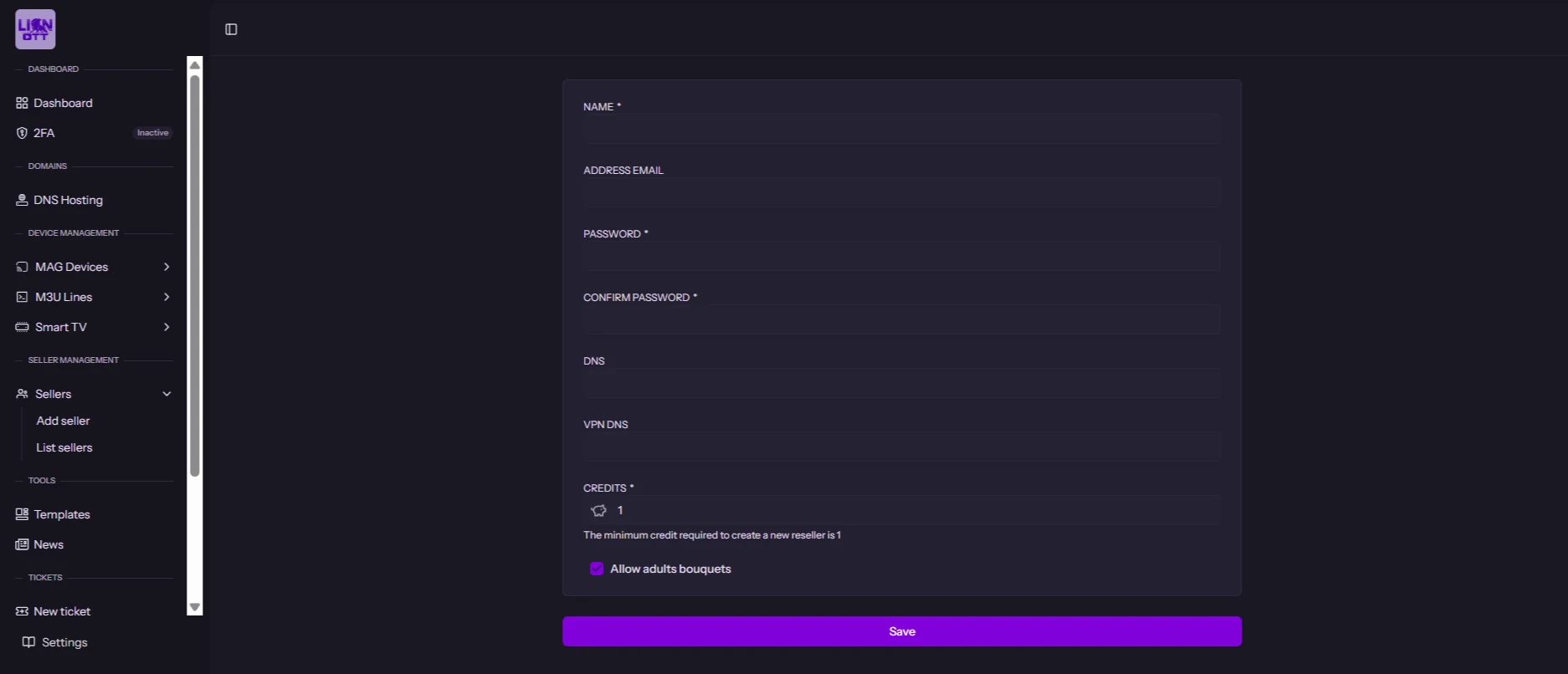
Creating a sub-seller follows a clear sequence inside the panel: open the Sellers area, start a new seller account, add the account details, configure DNS and credits, then review and save the profile.
01 · Open Sellers
Use the panel menu and open the Sellers area.
02 · Choose Add seller
Start a new reseller or sub-seller account.
03 · Add seller details
Enter the seller name, email, password and confirm the password.
04 · Set DNS & credits
Add the DNS settings when needed and assign the starting credit balance.
05 · Review & save seller
Check the account details and save the new seller profile so it is ready to use.
Lion OTT TV Credits
Each subscription duration uses a clear credit value, so you can calculate customer activations quickly before creating or renewing an account.
12H Trial
0 Credit
Free trial access before activation.
1 Month
0.1 Credit
Monthly customer subscription.
3 Months
0.25 Credit
Three-month subscription period.
6 Months
0.5 Credit
Six-month customer subscription.
1 Year
1 Credit
Full-year customer subscription.
Simple to calculate: see the exact credit value before activation.
Flexible by design: from a free trial to a full year.
Video Tutorial
Follow this step-by-step tutorial to create a sub-seller in your Lion OTT TV panel quickly, clearly and with full control.
Log in to your Lion OTT TV reseller panel.
Open Sellers from the left-hand menu.
Open the form for the new sub-seller.
Enter the seller information correctly.
Set DNS, VPN DNS, Credits and account options.
Review everything and save the new sub-seller.
Reseller Plans
Choose the right credit package for your business and start reselling today.
Get started reselling with a simple credit package.
A flexible package for growing your customer base.
A popular choice for active resellers with higher demand.
Best value for serious resellers and larger businesses.
Device Compatibility
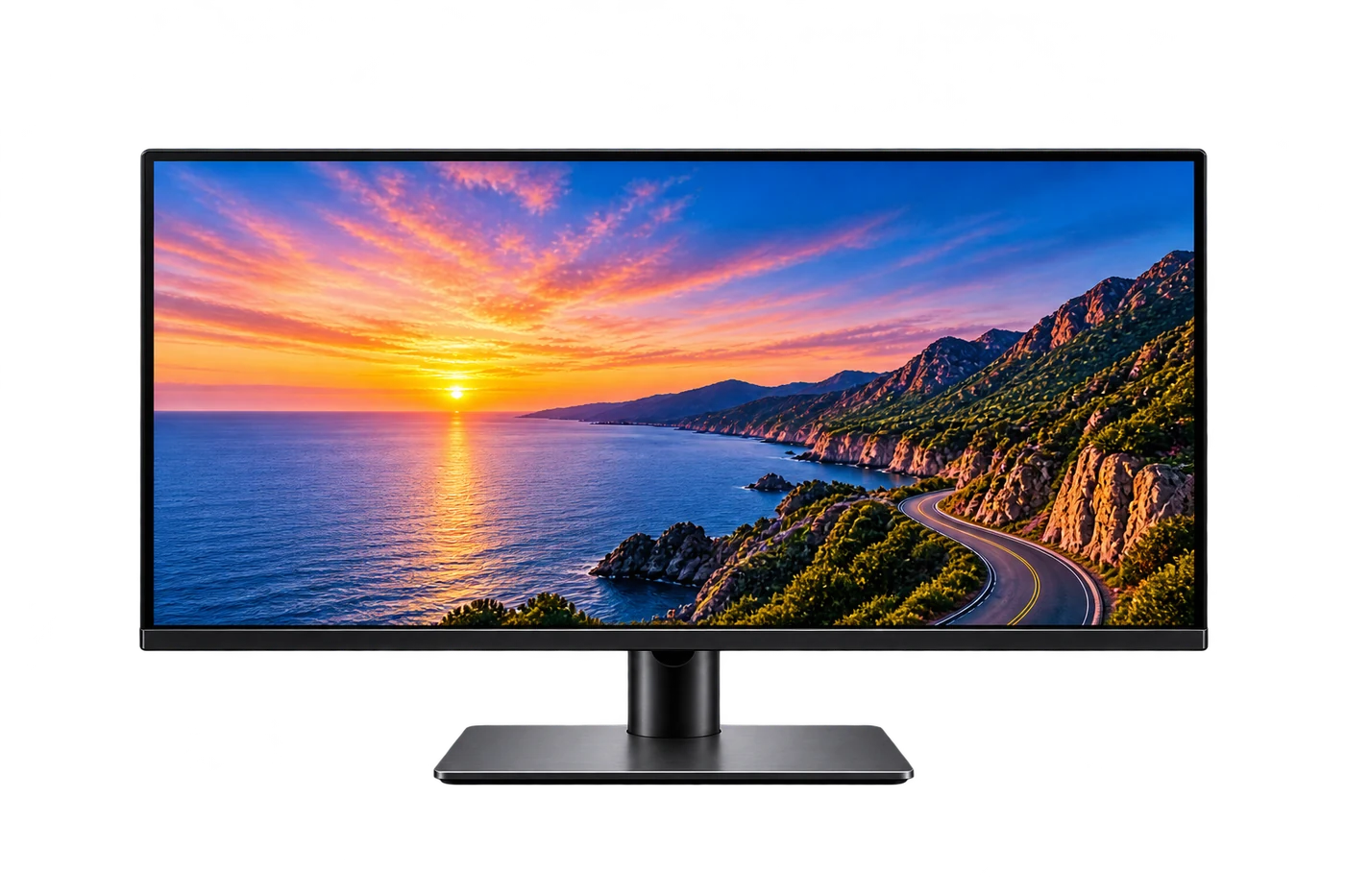
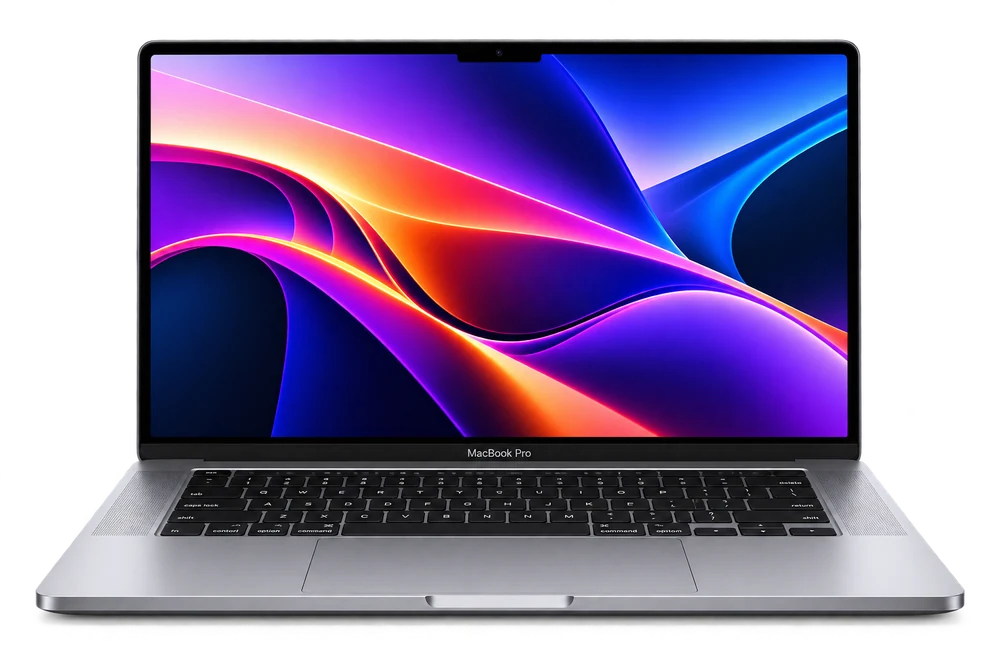
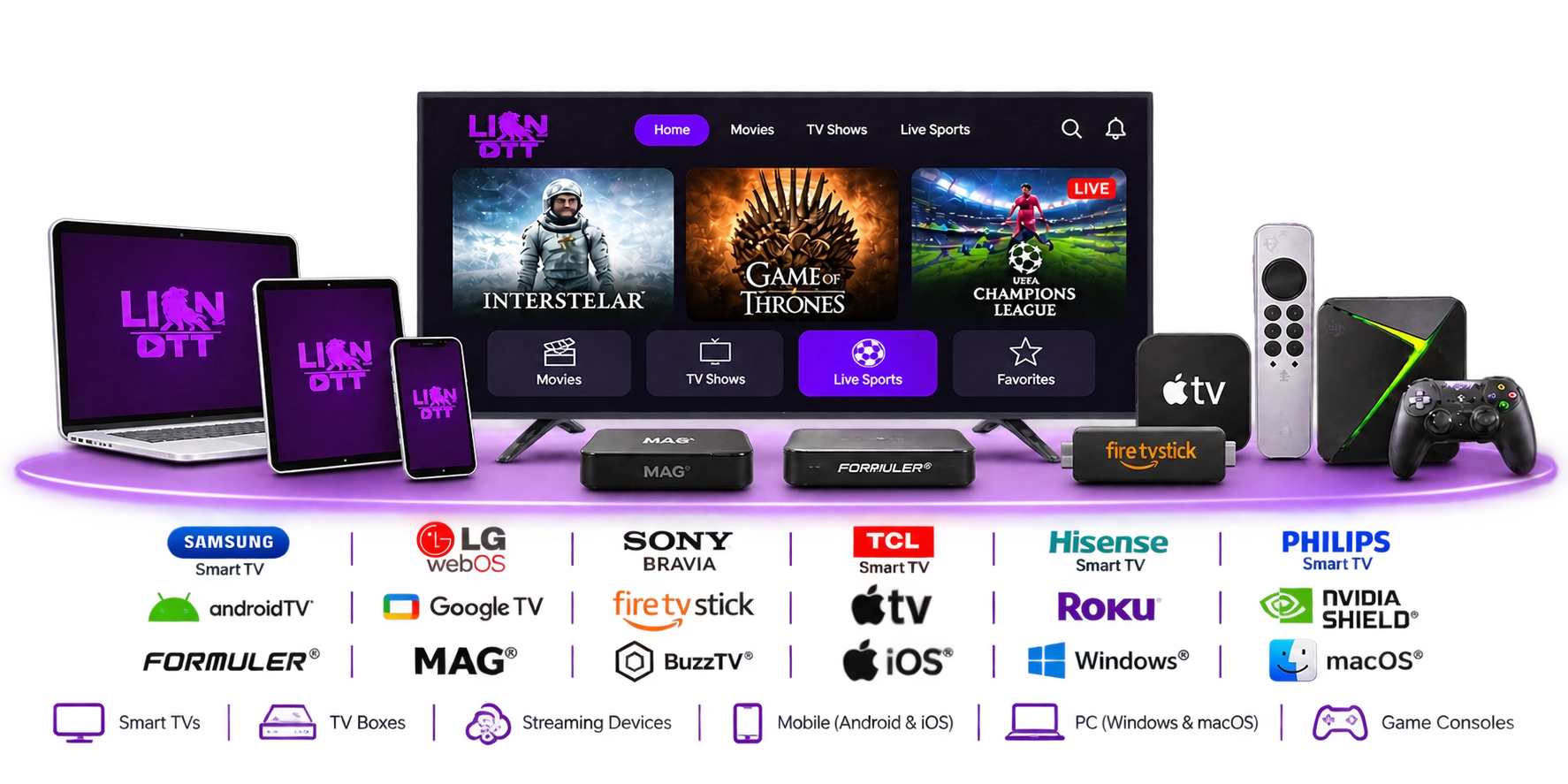
Lion OTT TV is built to work across the devices your customers already own, so there is no need for complicated setup or special hardware. They can move between home and mobile viewing while keeping access simple and familiar.
Watch comfortably at home
Enjoy movies, series and live sports on supported Smart TVs, TV boxes and streaming devices.
Take your viewing with you
Continue on Android or iOS phones and tablets when you are away from the main screen.
Use the platforms you already know
Compatible with popular platforms such as Samsung, LG webOS, Fire TV Stick, Apple TV, Roku, MAG and Formuler.
Flexible access across screens
Switch between TV, mobile and computer depending on where and how you prefer to watch.
Simple setup. Flexible access. More ways to watch.
Frequently Asked Questions
The panel lets you manage customers, subscriptions, credits and renewals from one place, so daily reseller operations stay organized and easy to follow.
Lion OTT TV supports popular Smart TVs, TV boxes, streaming devices, Android and iOS phones, Windows and macOS computers, plus selected game consoles.
Credits are used inside the reseller panel to create or renew customer subscriptions. You can choose a package based on the size of your reseller activity.
Yes. The reseller tools are designed to help you manage multiple customers, track subscriptions and handle renewals from a single dashboard.
Yes. Our support team can help with setup questions, device guidance and reseller assistance through the available support channels.
Once your reseller access and credits are ready, you can start managing customers and subscriptions directly from the panel.
Professional Support
Fast support for setup, devices and reseller questions.